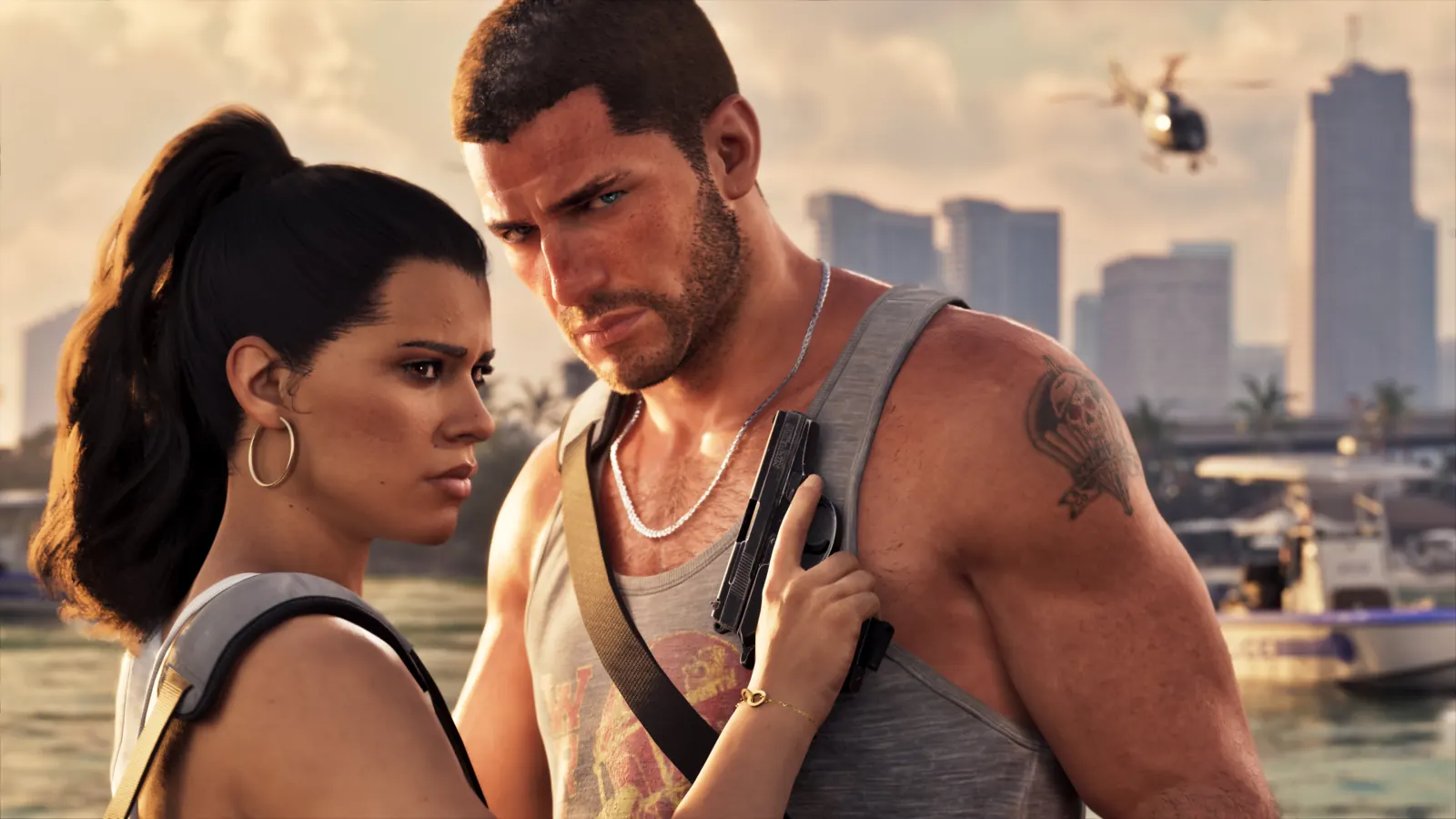
GTA 6 controls are out now on PS5 and Xbox Series X|S, and the biggest change is sprint: click L3 on PS5 or LS on Xbox instead of tapping a face button. I've gone through the launch settings; here is the button layout, remapping path, sensitivity, Focus Mode and the settings that actually matter.
GTA 6 Controls at Launch: What Changed
The launch controls went live with the game on 19 November 2026, so the PS5 and Xbox Series X|S versions are out now; I am not quoting PC inputs because the PC version has not launched. The biggest change is sprint: click L3 on PS5 or LS on Xbox instead of tapping a face button. That single change rewires your thumb, and it is the first thing I would relearn. I drove around the neighborhood on a bicycle for 2 hours and did only 2 missions in 4 hours of playtime, with progress showing as 6%; the controls were not the blocker, my old sprint habit was.
The Default PS5 and Xbox Button Layout
The default GTA 6 controls put sprint on the left-stick click, so the button that makes you run on Xbox is LS. On PS5 it is L3. The handbrake moved to X on PS5 and A on Xbox, while the weapon wheel sits on L1/LB. Context prompts show which button interacts with a given object, and different objects use different buttons, so read the prompt rather than guessing.
| Action | PS5 | Xbox |
|---|---|---|
| Sprint | L3 (click left stick) | LS (click left stick) |
| Handbrake | X | A |
| Weapon wheel | L1 | LB |
| Focus Mode | L3 + R3 | LS + RS |
Sprint, Handbrake and the GTA 6 Controls Weapon Wheel
You sprint in GTA 6 by clicking the left stick — L3 on PS5, LS on Xbox — not by tapping X or A. No, you do not mash X to sprint in GTA 6; that habit will get you killed in a chase. I would use click L3 to run, and I would not change it to tap A because the launch build's movement is tuned around the stick click. I also found I cannot turn the camera while sprinting, so I feather the sprint instead of holding it through corners. The handbrake is X/A, and the weapon wheel is on L1/LB and restricted — you cannot carry a whole arsenal at once. I found driving much easier than V even on narrower roads, and not just putting it to full speed made it much easier.

Switching GTA 6 Controls Between Default, Classic and Left-Handed
To change the controls in GTA 6, open Settings and stay on Control Scheme, where you can pick Default, Classic or Left-Handed; Classic is the closest to the older GTA feel. Yes, you can remap the buttons in GTA 6 through the Controller tab, and separate options cover control mapping plus camera angles, shake and bob. I could not confirm a dedicated phone button in the launch control data, so open Control Scheme and check the live mapping for how to open the phone in GTA 6. I could not stand driving my car at first, but switching to Classic controls and pressing R3 and L3 was basically Franklin vision and helped a lot.
Aim, Sensitivity, DualSense, Focus and Accessibility
The settings menu has eight tabs, and you start on Control Scheme; press R1 once to reach Controller. To change look and aim sensitivity in GTA 6, open Controller and move the separate look and aim sliders; I would set this after you check GTA 6 FPS on your display. To invert the camera in GTA 6, go back to Control Scheme and toggle Inverted Controls. Yes, GTA 6 has an aim response curve setting with Standard, Linear, Precision and Aggressive options, plus adjustable deadzones. I found the controls weird and felt a noticeable input lag like playing underwater; if you feel that, try Linear before you blame the game.

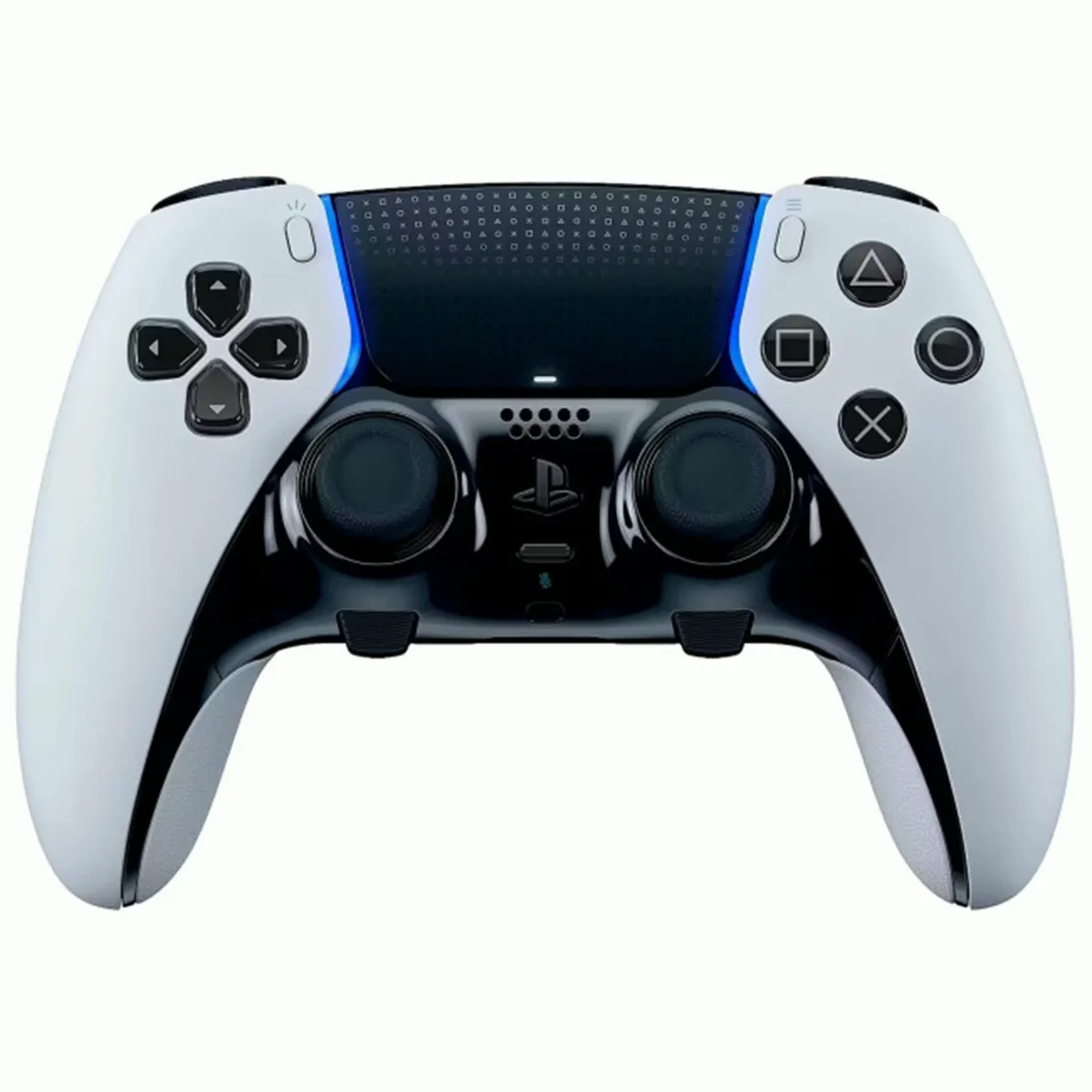
On PS5, the Control Scheme tab holds DualSense features, and the trigger-feedback row applies vibration to L2 and R2 for adaptive-trigger actions such as shooting and driving. To turn off adaptive triggers in GTA 6, open Control Scheme on PS5 and disable that DualSense trigger-feedback row. Trigger resistance changes from car to car when you accelerate: sports cars resist less than family saloons, which is why I would leave it on for a while. Mapping R1 to a back paddle on a DualSense Edge makes shooting while driving easier; I would try that if drive-bys feel clumsy, and the PS5 controller notes explain the trade-offs.
Focus Mode works by clicking both sticks at once — L3 and R3 on PS5, LS and RS on Xbox — and it highlights the next interaction. The combat version of Focus Mode arrives in the mission Down to Earth, where a boat shootout teaches you to click both sticks and then aim; the mission list is the place to track it. I had not used a controller in 10 years, and I found shooting used different buttons depending on whether I was running or driving, which left me out of the action in fast-paced moments. Accessibility gameplay settings can simplify inputs and make the controls of most activities easier, and you can reduce damage taken, enable auto driving and simplify mini-games; check the GTA 6 FAQ if you want the plain-language version.
From my playthrough
I drove around the neighborhood on a bicycle for 2 hours and did only 2 missions in 4 hours of playtime, with progress showing as 6%. I found the controls weird at first and felt a noticeable input lag, like playing underwater. I found driving much easier than V even on narrower roads, and not just putting it to full speed made it much easier.
I could not stand driving my car at first, but switching to Classic controls and pressing R3 and L3 was basically Franklin vision and helped a lot. I had not used a controller in 10 years, and I found shooting used different buttons depending on whether I was running or driving, which left me out of the action in fast-paced moments. I also found I cannot turn the camera while sprinting. If GTA 6 controls still feel wrong, I would change one thing at a time, starting with sprint and the aim curve.
Sources for this page
Frequently asked questions
How do you change the GTA 6 controls?
Open Settings, stay on Control Scheme, and choose Default, Classic or Left-Handed; then press R1 for Controller if you want deeper mapping.
Can you remap the buttons in GTA 6?
Yes. The Controller tab has mapping options, and you can also adjust camera angles, shake and bob.
How do you sprint in GTA 6?
Click L3 on PS5 or LS on Xbox. Do not tap X or A.
How do you use Focus Mode?
Click L3 and R3 on PS5, or LS and RS on Xbox. The combat version is taught in Down to Earth.
How do you turn off adaptive triggers?
On PS5, open Control Scheme and disable the DualSense trigger-feedback row.
How do you change look and aim sensitivity?
Open Controller and move the separate look and aim sliders; the four aim curves are Standard, Linear, Precision and Aggressive.