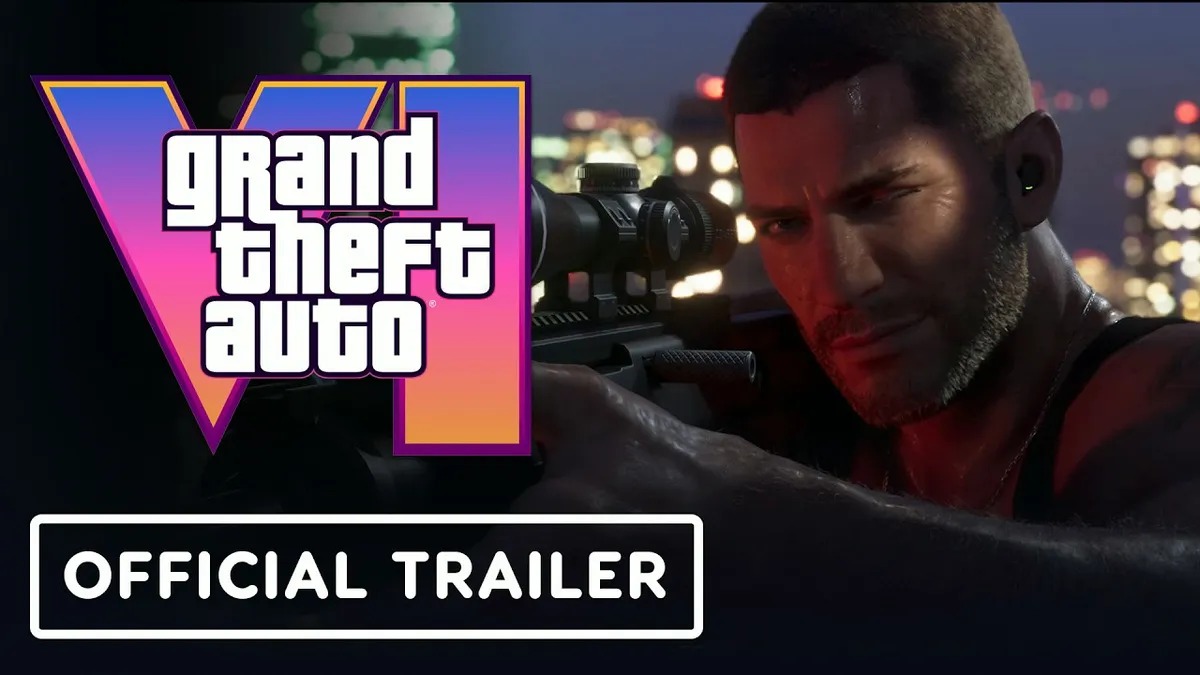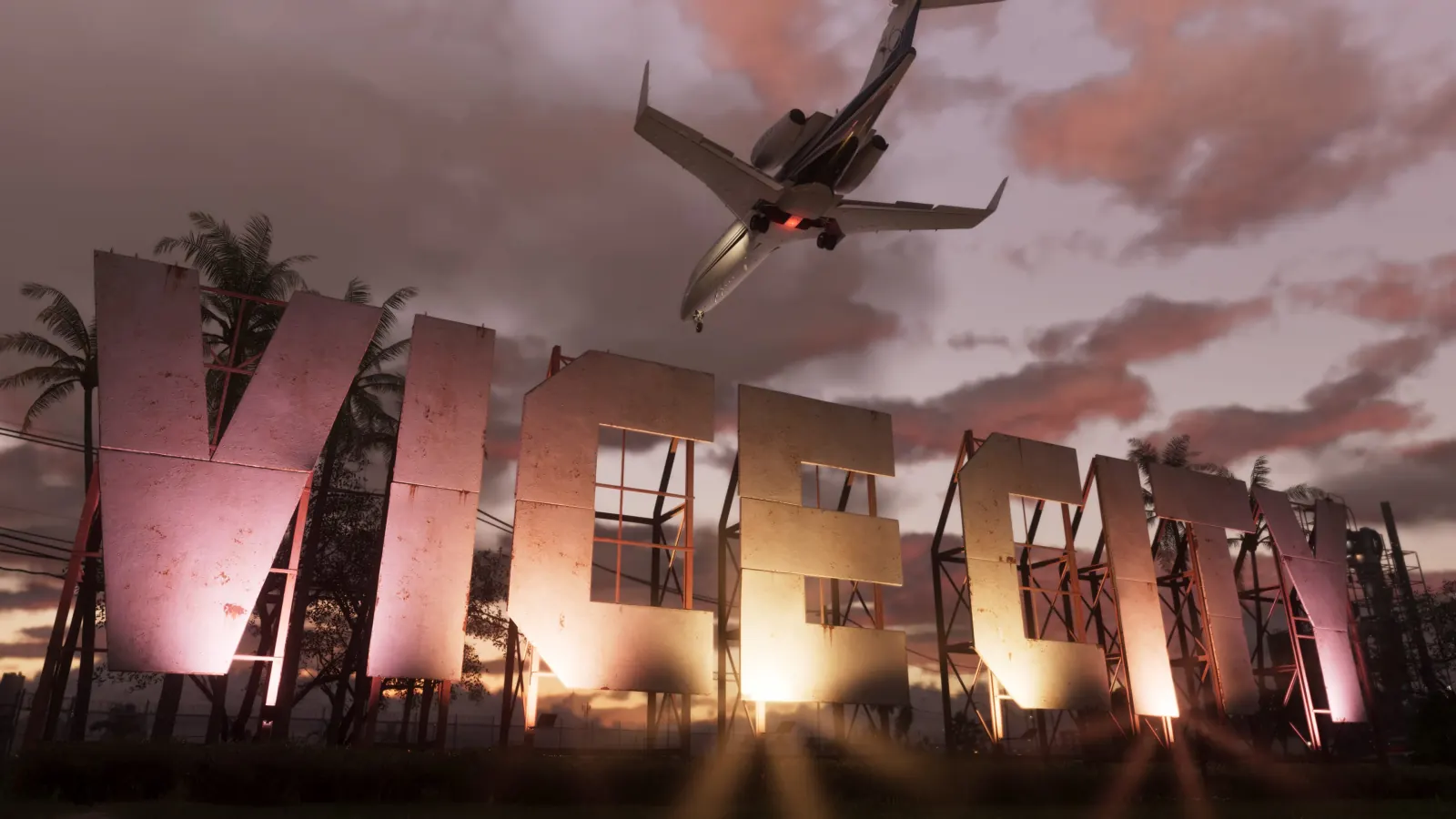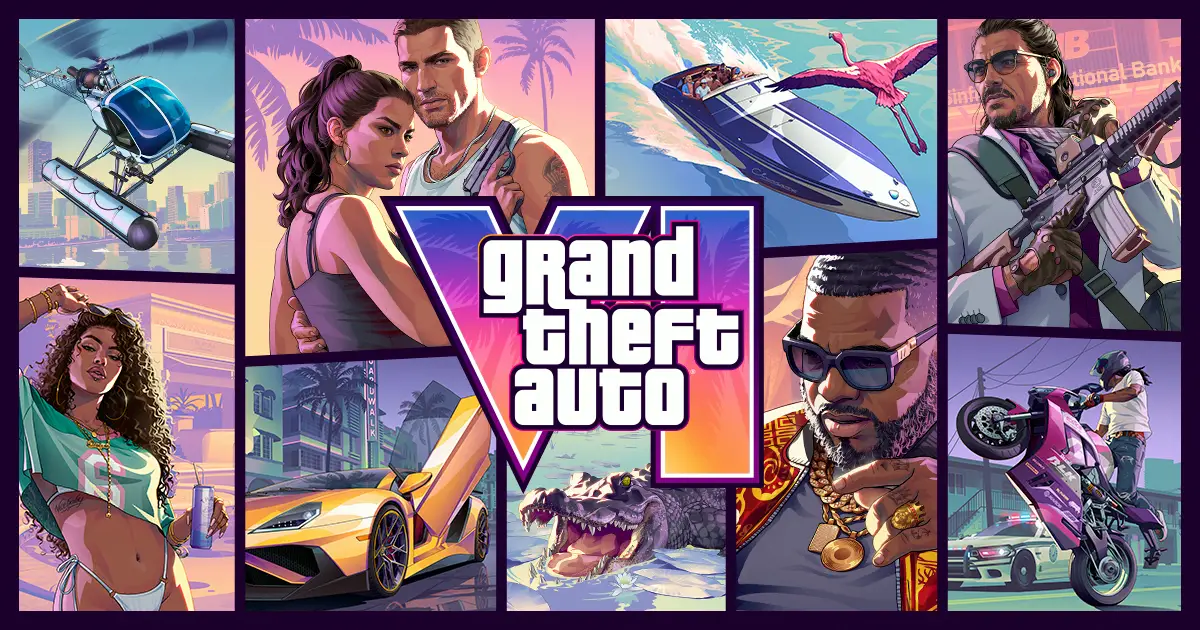
As of 25 November 2026, the official GTA 6 wallpaper set sits on Rockstar's artwork and wallpapers page: 28 images and a ZIP of all of them. The game has been out since 19 November 2026 on PS5 and Xbox Series X|S. The PC version has not launched, and Rockstar has not announced a PC wallpaper release.
GTA 6 Wallpaper: What Rockstar Has Actually Published
Rockstar's artwork and wallpapers page is the official starting point. Confirmed It lists 28 artwork and wallpaper images with a ZIP of the full set, and each image opens a size menu. The media page carries the same 28-wallpaper ZIP plus a ZIP of 138 screenshots. Confirmed
The official trailers are the other place to see the art before it turns into a desktop image. Trailer 1, Trailer 2 and the launch trailer all sit on this site. For stills, start with GTA 6 screenshots, and cross-check cover art with the box art page.
Where to Download the GTA 6 Wallpaper Set
Use the artwork and wallpapers page for single images and the full ZIP. The media page is the bulk route for the 28-wallpaper ZIP and the 138-screenshot ZIP. Confirmed A screenshot from a post may already be cropped, so prefer the official files.
Sizes: Phone, Desktop, Tablet and Ultrawide
Rockstar does publish sizes, but per image and per variant. The download dialog offers Desktop, Phone, Tablet, Ultrawide, Portrait, Square and Landscape, and each image has between 3 and 7 sizes. Confirmed A phone crop is therefore an official download, and you do not need to make one yourself.
Rockstar has not announced file sizes in megabytes, so that figure is not officially announced. Rockstar has not announced a 4K label, so read the size names in the dialog rather than a 4K claim on another site.
PS5 Welcome Hub Backgrounds for GTA VI
For PlayStation, the general route is confirmed: open the Welcome hub, select Change Background, and choose an image from the From PlayStation, Games or Media Gallery tabs. Confirmed No PlayStation or Rockstar notice lists GTA 6 Welcome Hub backgrounds or counts them, so the number of GTA 6 backgrounds is not officially announced. Rockstar has not announced an Xbox background route for GTA 6 either.
How to Tell an Official Image From a Fan Edit
Check the official artwork page and the trailers first. Confirmed If an image cannot be traced to Rockstar's artwork page or a trailer, treat it as a fan edit. A reverse-image search is a quick first step, then compare framing and logo with Rockstar's page.
The artwork belongs to Rockstar Games and Take-Two Interactive, and Rockstar has not announced a fan-use or wallpaper policy. Reported Rockstar's support article on posting copyrighted Rockstar material is about non-commercial gameplay video, and it does not separately cover wallpapers or artwork. No Rockstar notice says the wallpapers are free to use, so treat free use as unconfirmed. This page does not give legal advice on using the art.
What This Page Can and Cannot Confirm
The game is out now on PS5 and Xbox Series X|S, and Rockstar's Newswire confirms the 19 November 2026 launch. Confirmed The PC version has not launched, so there is no PC wallpaper release to report. For platform context, see GTA 6 platforms and the PC release date page.
This page can confirm the official artwork set, the ZIP routes, the per-image sizes and the PlayStation background route. It cannot confirm megabyte file sizes, an Xbox background route, a count of PS5 Welcome Hub backgrounds or a wallpaper-specific fan-use policy. For the wider release picture, read the GTA 6 news page or the release timeline. Use the official GTA 6 wallpaper set from Rockstar for clean files, and check anything else against the trailers.
This page is part of our GTA 6 trailers and news guide.
Sources for this page
Frequently asked questions
Where can I download the official GTA 6 wallpaper?
Rockstar's artwork and wallpapers page is the official source, with 28 images and a ZIP of the full set. Each image has its own size menu, so you can pick the file you need without a third-party site. The media page also links the 28-wallpaper ZIP and a ZIP of 138 screenshots.
Is there a PS5 background?
Rockstar and PlayStation have not published a count of GTA 6 Welcome Hub backgrounds, so that number is not officially announced. PlayStation's support page confirms the general route: Welcome hub, Change Background, then the From PlayStation, Games or Media Gallery tabs.
Can I use a GTA 6 wallpaper on my phone?
Use the Phone size from Rockstar's artwork page if the download dialog offers one, instead of cropping an image yourself. No Rockstar notice says whether the wallpapers are free to use.
Are fan wallpaper galleries official?
No. Fan galleries are unofficial crops, so check any image against Rockstar's artwork page or the official trailers before you trust it.
Is there a PC wallpaper release?
No. The PC version has not launched, and Rockstar has not announced a PC wallpaper release.
Does Rockstar offer an official art download?
Yes. The artwork and wallpapers page offers a ZIP of 28 wallpapers and single-image downloads in several sizes. The media page also offers the wallpaper ZIP and a 138-screenshot ZIP.