Does GTA 6 auto save? Yes. The game auto saves open-world progress regularly, usually when a mission ends, and it also saves after big encounters such as being wasted or arrested. I still would not rely on it: the single auto save is overwritten constantly, so manual saves are your real backup.
Does GTA 6 Auto Save?
Does GTA 6 have auto save and how does it work? It has an auto save system, and it works as a background safety net: the game writes open-world progress for you, then keeps only one auto save file and overwrites it.
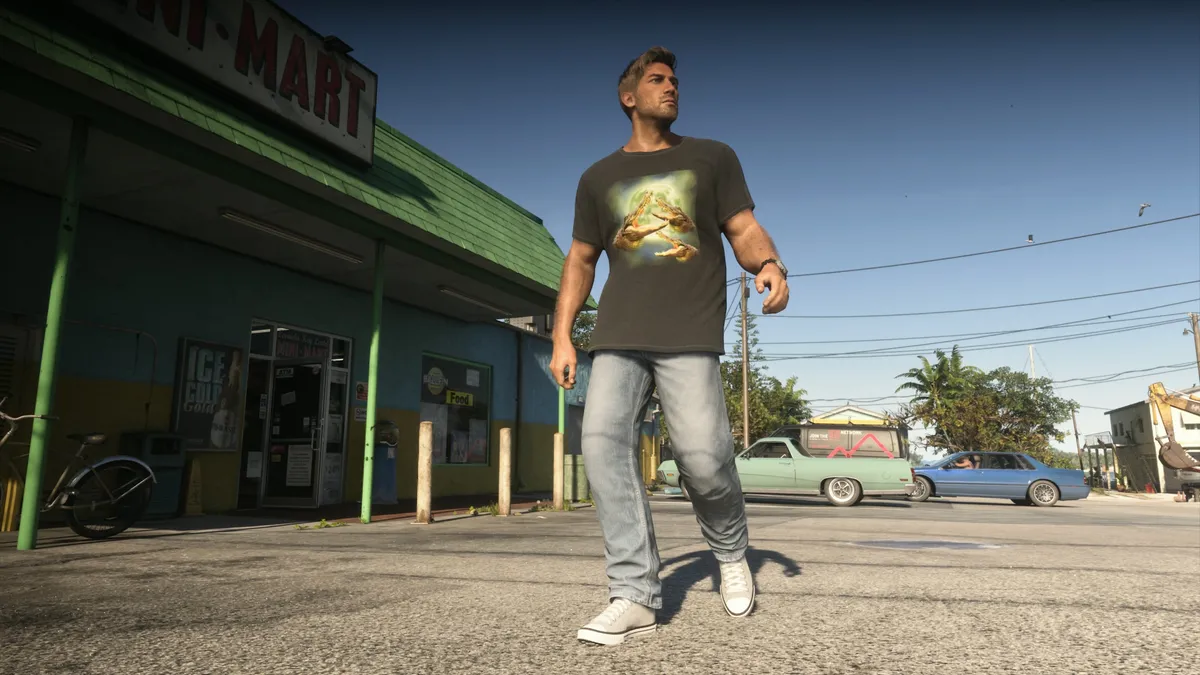
The trap is timing. In practice, the game usually only makes an auto save when a mission ends, not every time you change a weapon or buy food. Big open-world events such as being wasted or arrested also trigger one.
So does GTA 6 auto save at all? Yes, but the point of the autosave is to protect open-world progress between story beats, not to give you a rewind button. With one slot, it is a net rather than a history. I would treat it as a checkpoint for the story, not for your money or cars, so I would make a manual save before a risky side mission.
How Often Does GTA 6 Auto Save?
The rhythm is mission-driven rather than clock-driven. Auto save usually fires when a mission ends, and it also fires after big open-world events such as being wasted or arrested. If you are exploring, collecting or doing activities, the gap can be long, and the single auto save will overwrite the last one when it finally triggers.
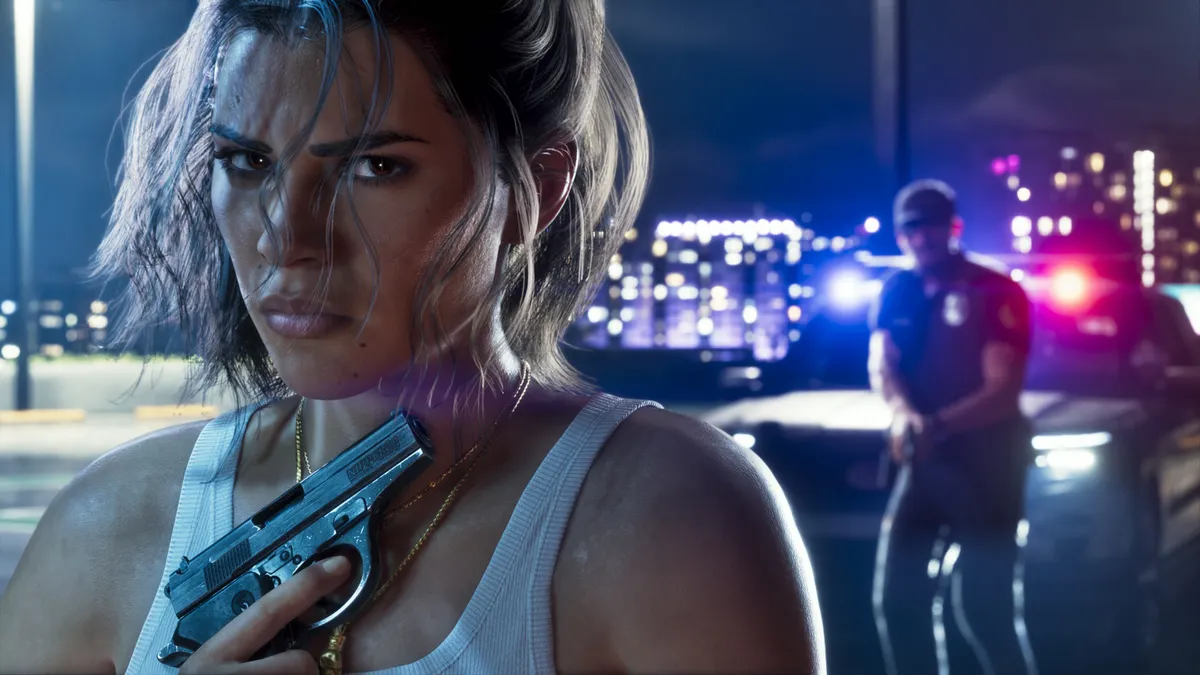
That is why a better measure is the last manual save after a purchase, a long drive or a story choice you do not want to repeat. If you are still asking does GTA 6 auto save often enough, treat the answer as no for anything you care about and save manually.
One Auto Save File, 15 Manual Slots
GTA 6 keeps just one auto save file and overwrites it constantly instead of stacking up multiple autosaves. That is the most important save fact for a new player: you cannot roll back through a list of automatic checkpoints.
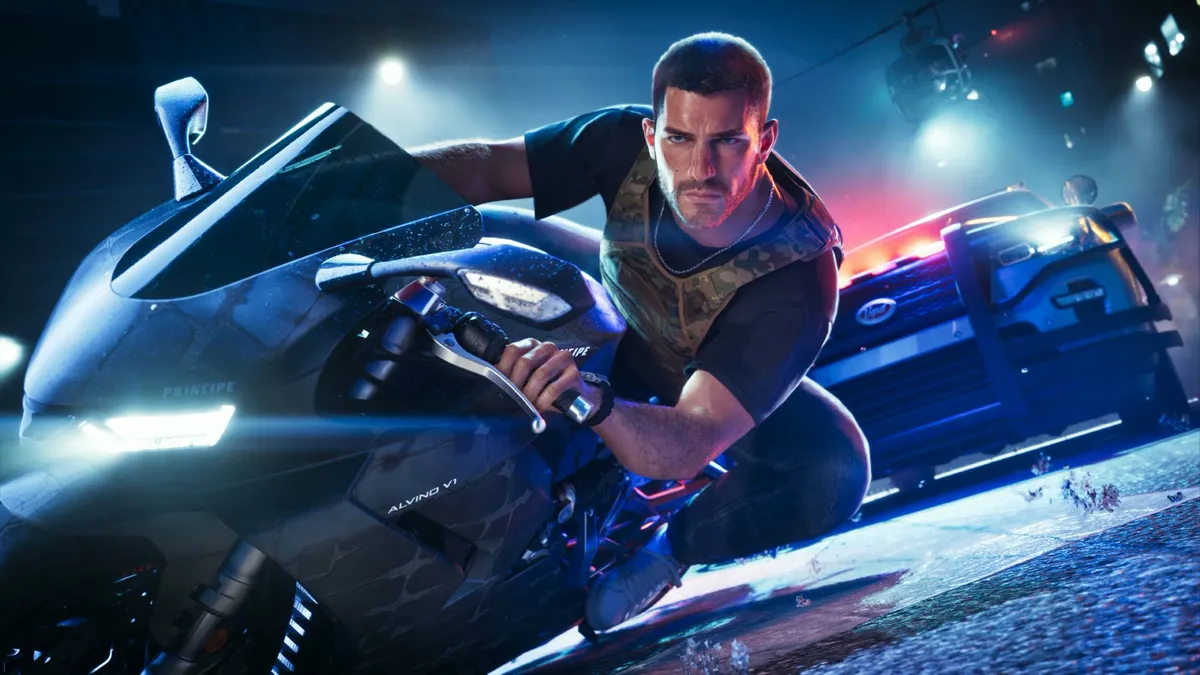
| Save type | Slots | When it happens |
|---|---|---|
| Auto save | 1 | End of a mission, Wasted, arrested |
| Manual save | 15 | Pause > Game > Save Game |
Players get 15 manual save slots in total, which is the real safety margin. I would use the first few slots for chapter boundaries and keep at least one older slot untouched before a big story push. The chapter pages are the easiest way to plan those boundaries.
How to Save Manually in GTA 6
How do you save your game in GTA 6? Pause, open the Game tab, then choose Save Game; the same menu has Load Game and New Game.
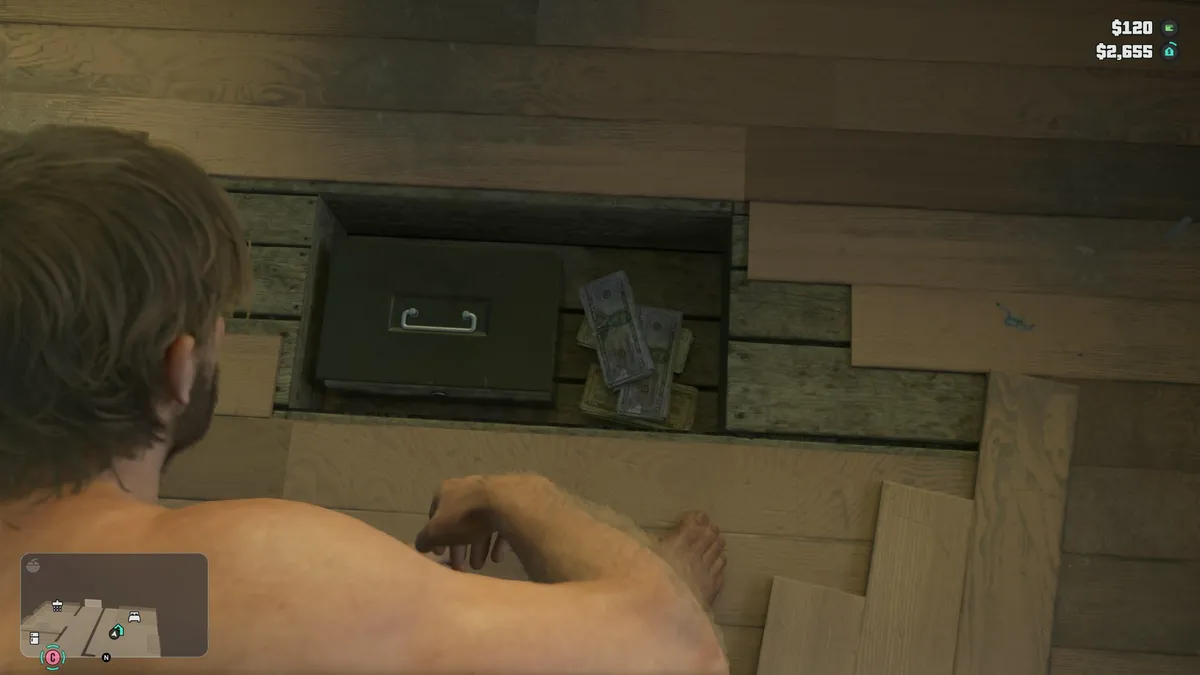
How to save game in GTA 6 is therefore a pause-menu job, not a bed or safehouse job. You save in GTA 6 whenever you are outside a mission, and you can pick one of the 15 manual slots.
How to Save in GTA 6? Use pause > Game > Save Game, then confirm the slot. To Save in GTA 6, I would make a fresh slot before a big purchase, a long drive or a mission setup, and I would wait for the write to finish before closing the app.
How do you save the game? You save the game by confirming that slot, not by sleeping or fast-travelling. Missions now have much better checkpoints than GTA 5 and Red Dead Redemption 2, with a retry checkpoint option, so a failed mission is usually a retry problem rather than a save problem.
A retry checkpoint is not a save. It drops you back at the last story beat inside the mission and never touches the auto save file, so the checkpoint is the fast fix for a failed section while the manual save is the insurance for everything else. If a mission is going badly, I retry instead of loading, because loading throws away the checkpoint progress the mission already logged. That is the part that trips up new players who expect a checkpoint to survive a console restart.
Why Saving Is Blocked in Missions and After Cheats
Manual saving is blocked while you are inside a mission, and that is deliberate. The game uses checkpoints there, and the Save Game option is not the tool you want mid-heist.
Some in-game actions switch saving off completely, including starting to use cheats. Using a cheat locks you out of saving your game for the rest of that session, so I would keep cheat experiments on a separate session or accept that the run is disposable. The cheat codes page is the place to check before you type anything.
Can you save Donnie in GTA 6? The save system does not settle that; mission outcomes are tracked on the Clean Up After Donnie page, not in the save menu.
How do you save Donnie in GTA 6? That is a mission outcome, not a save-file action, so check the same mission page before you replay the section.
The cheat lockout is per session, so save first and experiment on a slot I do not mind losing. Once the session ends, load the clean slot rather than carrying the blocked save forward.
Reloading a Save, Storage and the Missing PC Version
Reloading an earlier save is an accepted way to undo unwanted story consequences. I would keep a manual slot from before a major choice, because reloading is cleaner than trying to fix a messy story state later. The story page is where to check what a choice changes before you reload.
Is the autosave for GTA 6 broken? Some launch reports describe lost progress after a PS5 shutdown, and the advice in that situation was to save manually Reported. Is there any way to recover this? There is no confirmed recovery route for an overwritten auto save; the practical recovery is to load an earlier manual save.
On storage, I would not delete a profile carelessly: the auto save and manual slots are your progress, and the missing PC version means there is no PC folder to hunt for yet. GTA 6 launched on 19 November 2026 on PS5 and Xbox Series X|S Confirmed, so it is out now; the PC version has not launched, and Rockstar has not announced a PC date or PC requirements. Is GTA 6 on PC? GTA 6 is not on PC as of 19 November 2026, so do not plan around a PC save file. The PC page tracks the situation without inventing a date.
If you are still asking does GTA 6 auto save, the answer is yes, but the system is a safety net and not a history. I would make a manual save before every big spend, mission chain or story choice, and I would keep one old slot untouched. That habit matters more than any autosave icon because the single auto save is overwritten constantly.
This page is part of our GTA 6 release date, editions and platforms guide.
Sources for this page
Frequently asked questions
Does GTA 6 have an auto save?
Yes. The game auto saves open-world progress regularly, usually when a mission ends, and it also saves after big events such as being wasted or arrested.
How do you save manually in GTA 6?
Pause, open the Game tab, choose Save Game, and confirm one of the 15 manual slots.
How many manual save slots are there?
There are 15 manual save slots in total.
Why can't I save during a mission?
Manual saving is blocked while you are inside a mission; the game uses checkpoints there instead.
Do cheats disable saving?
Yes. Using a cheat locks you out of saving your game for the rest of that session.
Is the autosave for GTA 6 broken?
Some launch reports describe lost progress after a PS5 shutdown, so the safe answer is to save manually rather than rely on the autosave.
Can you save Donnie in GTA 6?
The save system does not decide that; mission outcomes are tracked on the Clean Up After Donnie mission page, not in the save menu.
Does GTA 6 auto save on PC?
No PC version has been announced as of 19 November 2026, so there is no PC autosave to describe; the console versions are out now.